Carte-cadeau BIGO Live SG
Carte-cadeau numérique, livraison par courriel. Pays d'utilisation : Singapore.
🇸🇬 Ce produit peut ne fonctionner que dans ce pays : Singapore. Les ventes sont finales.
Il s'agit d'un bon. Nous vous enverrons par courriel les instructions pour réclamer votre article.
Détails
BIGO LIVE is the most popular broadcasting app on mobile platform where you may start your own live stream and watch enjoyable show of talented performers. BIGO LIVE envisions a world that allows people to connect, inspire and bond on a deeper level. After all, there are 7.5 billion of us on Earth, and so many good stories to tell. Initially launched in Thailand, the App was met with great popularity, and soon became the #1 App in both Apple Store and Google Play. With over 30,000,000 users from around the world currently, . BIGO Live Gift Card is available for Singapore only.
Site web
https://www.bigo.tvModes d'utilisation
Instructions d'utilisation
How to reload your Razer Gold account with Razer Gold Gift Card? 1. Visit gold.razer.com and login to/create your Razer Gold account. 2. Select "Razer Gold Gift Card" on the "Reload Now" page of the Gold drop-down menu. 3. Enter the Razer Gold serial number and pin received in your email. Click the 'Next' button. 4. Use Razer Gold to top up your Bigo Live account.
Conditions générales
Valid only for Razer Gold and for use in Singapore only. User may require Razer Gold account and internet access. Only purchase from Razer Gold authorized reseller at face value will be valid. No service fee required. 12 months expiration from date of purchase. This card cannot be exchanged for cash. Razer is not responsible if this card is stolen, lost, destroyed, used without permission or for any loss arising from incorrect use. Cards are distributed by MOL AccessPortal PTE. LTD. and its use is subject to Razer Gold’s Terms of Service and Privacy Policy at gold.razer.com. For help, visit us at gold.razer.com/help.
À propos de la carte-cadeau BIGO Live SG
- Type
- Carte-cadeau numérique
- Montants
- 10 $SG, 30 $SG, 50 $SG
- Devise
- dollar de Singapour (SGD)
- Livraison
- Par courriel
- Modes d'utilisation
- Online
- Pays d'utilisation
- Singapore
- Catégories
- Entertainment
- Site web
- www.bigo.tv










Comment ça marche
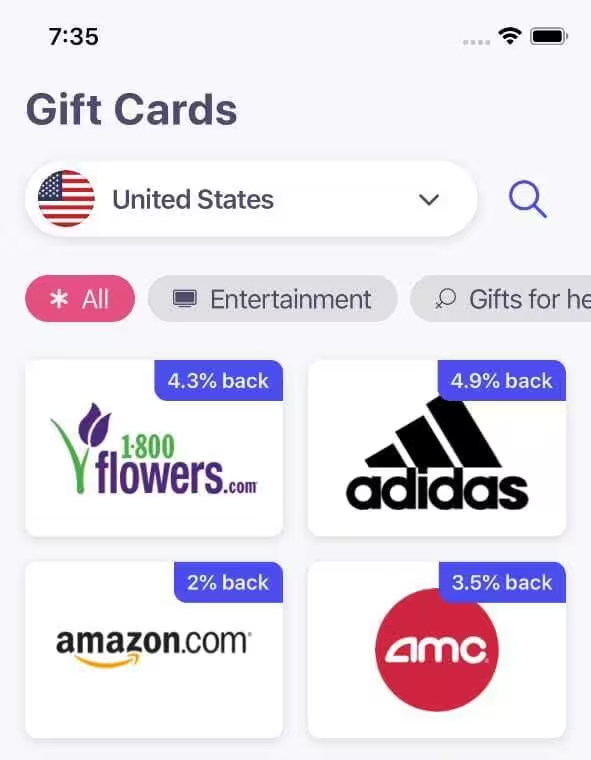
Achetez une carte-cadeau en trois étapes
1. Choisissez une carte-cadeau
Choisissez une marque et le montant souhaité.
2. Payez à la caisse
Vérifiez votre commande et finalisez votre paiement.
3. Recevez-la par courriel
Votre carte-cadeau vous est envoyée par courriel une fois le paiement confirmé. Utilisez-la auprès de la marque.
Questions fréquentes
Plus de réponses dans notre Centre d'aide.
Comment vais-je recevoir la carte-cadeau BIGO Live SG ?
Par courriel. Une fois votre commande terminée, nous vous envoyons par courriel les instructions pour récupérer votre achat.
Où puis-je utiliser la carte-cadeau BIGO Live SG ?
Ce produit peut ne fonctionner que dans ce pays : Singapore. Modes d'utilisation : Online.
Comment utiliser la carte-cadeau BIGO Live SG ?
Les instructions d'utilisation se trouvent dans la section Détails de cette page.
Quels montants sont disponibles ?
Montants disponibles : 10 $SG, 30 $SG, 50 $SG.
Puis-je obtenir un remboursement pour la carte-cadeau BIGO Live SG ?
Les ventes sont finales : vérifiez le produit, le montant et le pays avant d'acheter. En cas de problème avec votre commande, notre Centre d'aide peut vous aider.
J'ai une question sans réponse ici. Comment obtenir de l'aide ?
Visitez notre Centre d'aide et nous serons ravis de vous aider.